Operations Manual & Standard Operating Procedure
Complete step-by-step operating guide of Balian Pass for Cashiers, Customers, Cafe Owners, and POS Developers.
Cashier & Staff Operating Guide (Speed POS)
/pos/:slug
A Method 1: Show Dynamic QR to Customer (Recommended During Rush Hour)
- Enter Bill Amount: In the 'Bill Amount (Rp)' field, enter total spend (e.g. 70,000). System automatically calculates stamps based on outlet rules.
- Click 'Show QR': Cashier screen displays a dynamic, single-use QR popup with a 90-second countdown.
- Customer Scans & Chime Sounds: Customer scans with their phone camera. Upon claiming, the cashier terminal rings a clear 'Ding!' audio confirmation and auto-resets.
B Method 2: Cashier Scans Customer QR Pass
Switch to 'Scan Member QR' tab. Direct the register camera to customer's virtual card QR pass. The card loads instantly: tap '+1 Stamp' or 'Redeem Free Coffee Reward'.
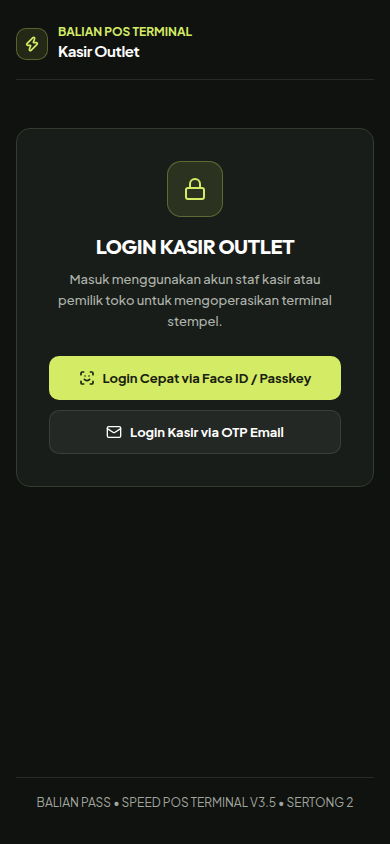
Sign in with a staff account to use the cashier terminal.
Cashier UI displaying auto-bill calculation, instant preset stamp buttons, and live countdown timer.
Customer User Guide (Zero-Friction PWA)
/c/:slug
First Time Customer Onboarding (Under 10 Seconds)
- Scan Table Standee QR: Customer aims their camera at the acrylic table tent at cashier counter or dining tables.
- Passwordless Login (Email OTP): Enter email, receive 6-digit OTP code, and enter. The digital pass activates immediately without downloading any app.
- Add to Home Screen (PWA): On iPhone Safari, tap Share icon and select 'Add to Home Screen'. The card appears directly on their phone home screen.
- Viral Referral (+1 Bonus Stamp): Tap 'Share Referral via WhatsApp'. When a friend joins and orders coffee, both receive an extra +1 bonus stamp!
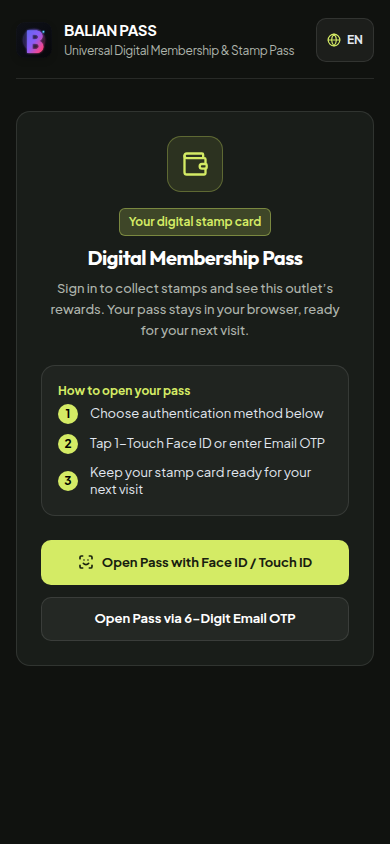
Sign in to open your stamp card, rewards, and referral options.
Digital customer pass featuring physical tactile stamp punches, QR pass, WhatsApp contact capture, and viral referral sharing.
Merchant Owner Guide (CRM & Retention)
/owner/:slug
Key Features for Cafe Owners:
-
1-Click WhatsApp Direct Chat (Win-back Churned Customers): Filter tab 'Pasif (>30 Hari)'. Klik tombol hijau [Chat WA] pada pelanggan yang lama tidak datang. Pesan sapaan personal otomatis terbuka di WhatsApp tanpa perlu simpan nomor manual di HP.
-
Configure Multipliers (Happy Hour / Weekend 2x Stamps): Update spend-per-stamp rule (e.g. Rp 35,000 = 1 stamp) and activate 2x promo multipliers directly from settings.
-
Print A6 Acrylic Counter Standees: Open '/standee/:slug' and hit Print (Ctrl+P). The layout is precision-scaled to standard A6 acrylic frames (105mm x 148mm).
-
Export Customer Database to CSV/Excel: Download customer directory (name, email, phone, visit count) in 1 click for backups or email campaigns.
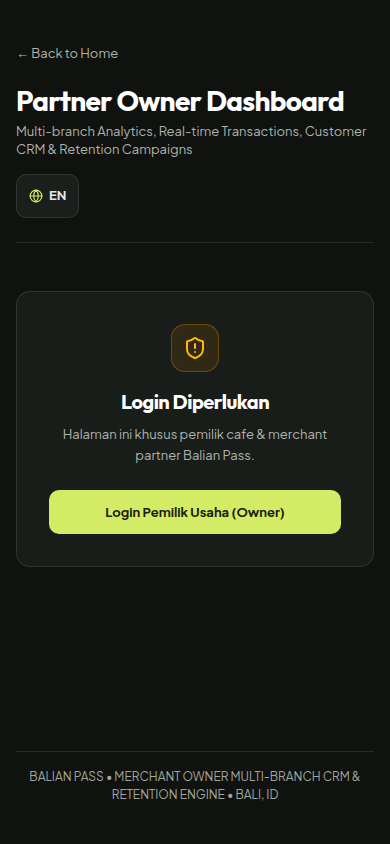
Sign in with an owner account to open outlet analytics and CRM.
Dashboard pemilik cafe dengan filter pelanggan pasif >30 hari dan tombol 1-klik WhatsApp blast.
POS Webhook Integration
POST /api/v1/webhooks/pos
Balian Pass provides an open webhook ingress to connect third-party POS systems automatically. Once an order is paid on POS, dispatch this HTTP POST call in background:
{
  "event": "transaction.completed",
  "customer_phone": "081234567890",
  "customer_email": "[email protected]",
  "bill_amount": 105000,
  "transaction_id": "POS-INV-2026092301",
  "note": "Pesanan Meja 4 - 3x Flat White"
}
Need Assistance Onboarding Your Cafe?
The Balian Pass team is ready to assist your Bali venue with acrylic frame setup and cashier staff briefing.